Manage my User Tour preferences
User Tour preferences for your user profile can be managed using the following functions:
- Disable — Cancel all future tours.
- Reset — Allow completed or canceled tours to be repeated.
- Re-enable — Re-activate all tours if they were disabled.
TIP: Check out Take a User Tour to learn about the tour messages.
Disable User Tours
To disable the User Tours:
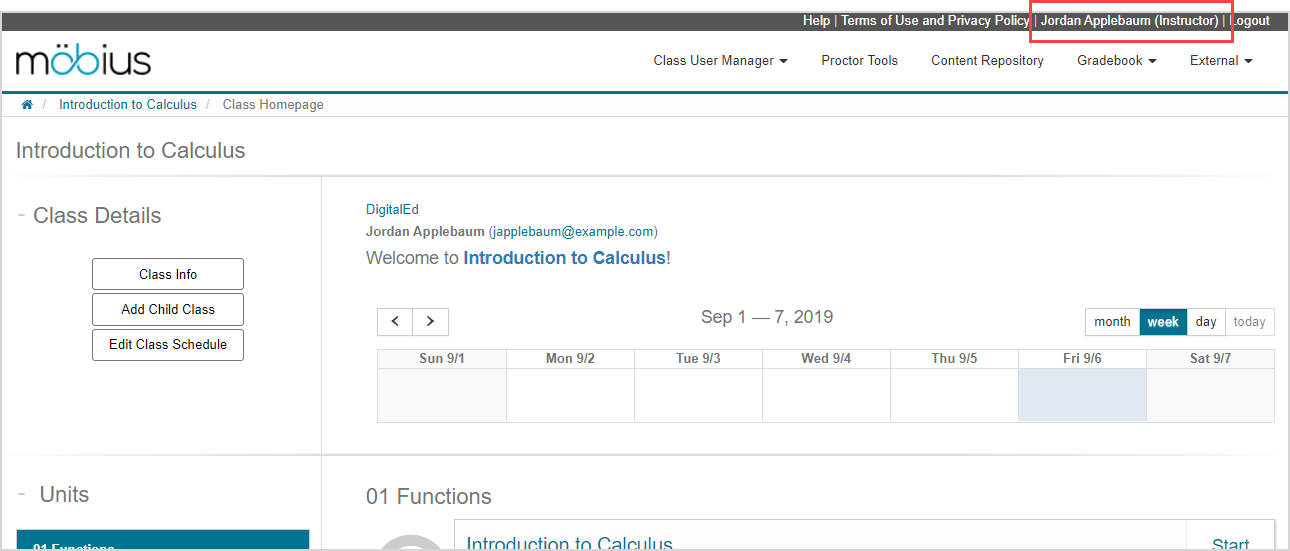
Click your name to go to your profile settings.
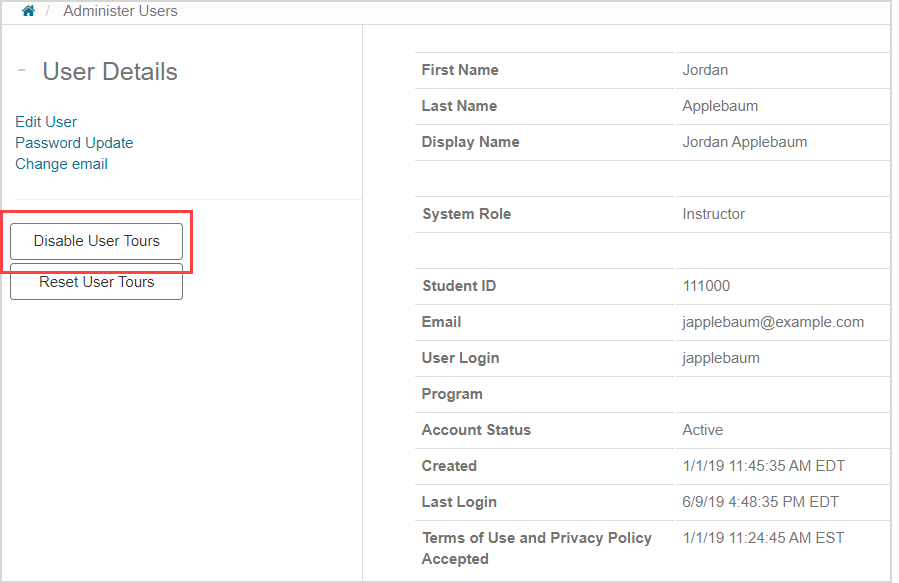
Click Disable User Tours in the User Details pane.
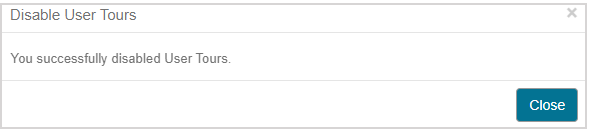
A message appears after successfully disabling the User Tours.
TIP: Alternatively, you can disable all User Tours by clicking the Disable All Tours button within a tour message.

Reset User Tours
To reset the User Tours:
Click your name to go to your profile settings.
Click Reset User Tours in the User Details pane.
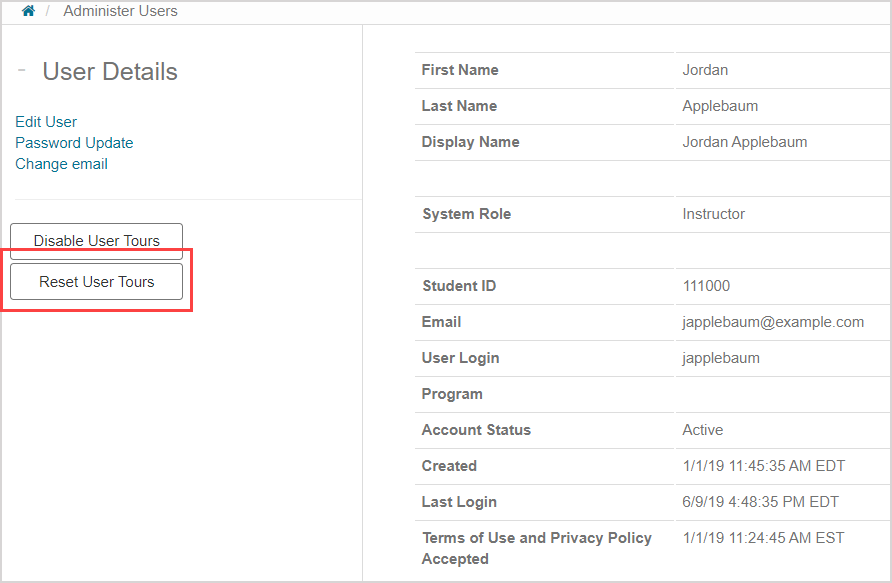
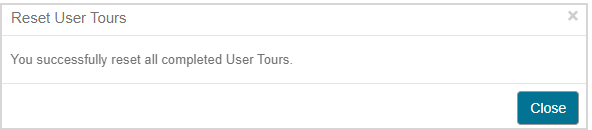
A message appears after successfully resetting the User Tours.
Re-enable User Tours
To re-enable the User Tours:
Click your name to go to your profile settings.
Click Re-enable User Tours in the User Details pane.
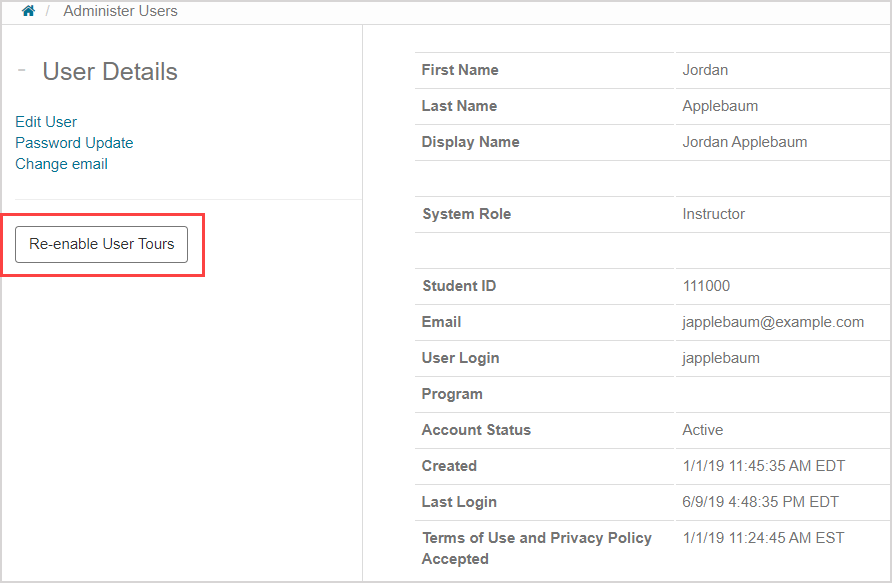
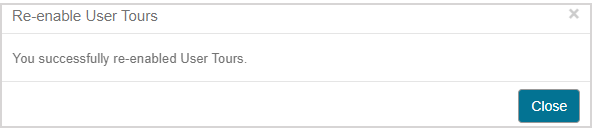
A message appears after successfully re-enabling the User Tours.